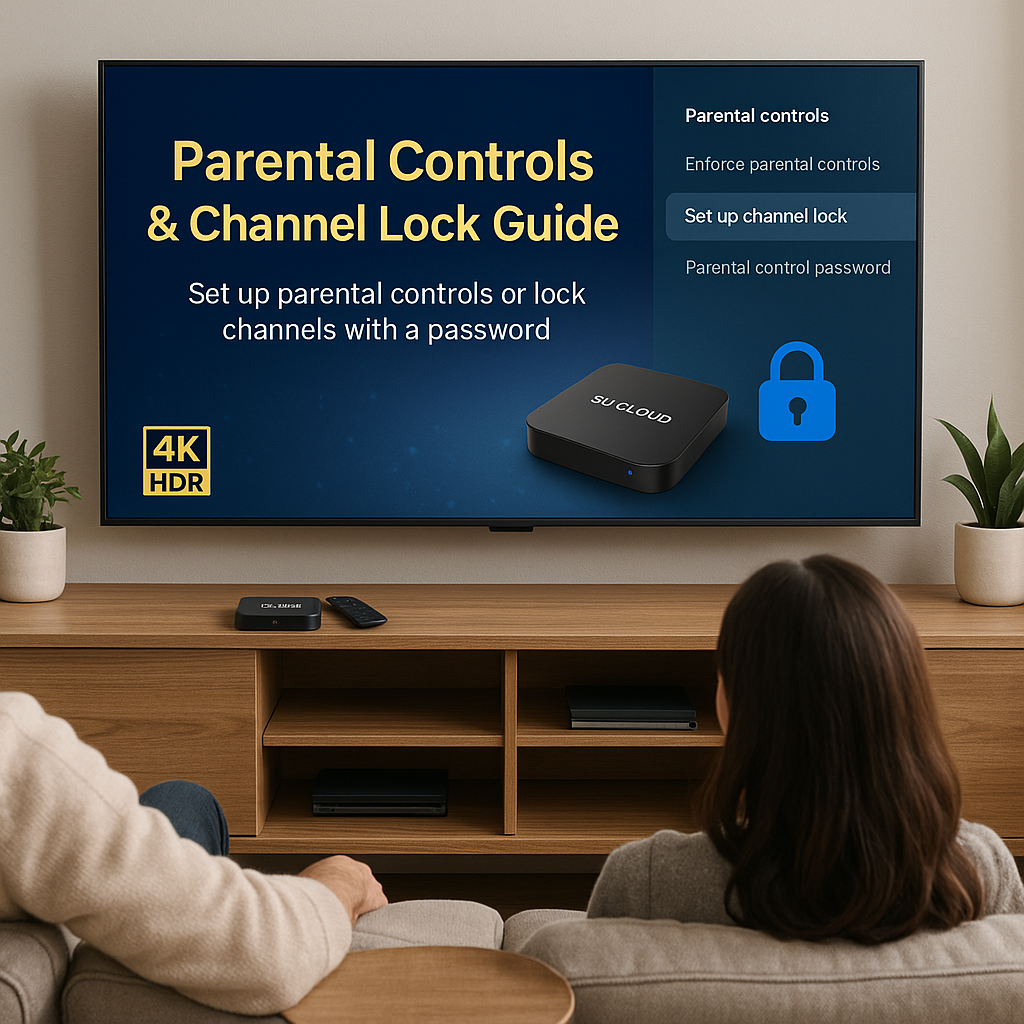
SVICLOUD Parental Control and Channel Lock Setup Guide: The Smart Choice for Chinese-American Families
When Family Entertainment Meets Safety Concerns: A Real Story
On a Saturday evening, Mrs. Zhang from Irvine, California, was preparing to watch Chinese programs with her 8-year-old daughter when suddenly an adult-oriented advertisement appeared on the screen. This unexpected incident made her realize that even seemingly safe family channels could inadvertently broadcast content inappropriate for children. "I need a solution that can truly protect my child," Mrs. Zhang began searching for a streaming device that could satisfy the whole family's entertainment needs while ensuring content safety.
Such scenarios are not uncommon in Chinese-American families. According to a survey by the American Children's Media Research Association, over 78% of parents worry about their children being exposed to inappropriate content, with 45% of families feeling troubled by the lack of effective content management tools. For Chinese families, this challenge is even more complex: we want our children to be exposed to Chinese cultural content while ensuring this content aligns with American family values.
SVICLOUD was born to solve exactly these pain points. As a streaming solution designed specifically for Chinese-American families, we deeply understand each family's emphasis on content safety and the difficulty of maintaining family values in a foreign land. Today, we will provide detailed instructions on how to use SVICLOUD's parental control and channel lock features to create an entertainment environment that is both rich and safe for your family.
US Local Warehouse Advantage: Perfect Response to Immediate Needs
When Mrs. Zhang decided to purchase SVICLOUD equipment, her biggest concern was delivery time. "My child's spring break starts next week, and I hope to set up parental controls quickly." Fortunately, SVICLOUD's complete warehouse network established in the US perfectly addressed her concerns.
We have major distribution centers in Los Angeles, California; Dallas, Texas; Long Island, New York; and Miami, Florida, ensuring that 99% of areas across the US can enjoy fast delivery service. Taking Mrs. Zhang's location in Irvine, California as an example, shipping from our Los Angeles warehouse typically arrives the day after ordering. This localized warehouse strategy not only shortens delivery time but more importantly ensures adequate inventory.
"I placed my order Tuesday afternoon and received the equipment Wednesday evening," shared Mr. Li from Seattle about his purchase experience. "What surprised me most was that the package included Chinese instruction manuals that even my 70-year-old parents could easily understand for setup." This perfectly demonstrates SVICLOUD's deep understanding of Chinese-American user needs.
Our real-time inventory management system connects with all distribution centers. When you place an online order, the system automatically selects the nearest warehouse with available stock for shipping. For families with urgent equipment needs, we also offer expedited shipping options to meet emergency requirements in special situations. It's worth noting that our standard shipping service is completely free, saving American families additional expenses in the current environment of rising logistics costs.
In-Depth Analysis of Parental Control Features: Technology Protecting Family Values
SVICLOUD's parental control system employs a multi-layered content filtering mechanism, allowing parents to precisely control what family members watch. This system's design philosophy stems from our in-depth research into Chinese-American family needs, combining Eastern and Western family education concepts.
Channel Rating and Content Filtering
Our channel rating system categorizes all content into five levels: G-rated (suitable for all ages), PG-rated (parental guidance suggested), PG-13 (suitable for ages 13 and up), R-rated (under 17 requires adult supervision), and adult-level. Parents can flexibly set viewable content levels based on their children's age and maturity.
Taking the Wang family from Houston, Texas as an example, they have a 5-year-old son and a 14-year-old daughter. Through SVICLOUD's multi-user profile feature, Mrs. Wang set restrictions for her son to only watch G-rated and some PG-rated content, while her daughter can watch up to PG-13 content. "This setup lets us not worry about children accidentally seeing inappropriate content," Mrs. Wang stated.
Time Management and Viewing Restrictions
Another challenge modern families face is how to balance entertainment time with study time. SVICLOUD's time management feature allows parents to set daily viewing time limits and specific viewing periods. You can set viewing only from 7 PM to 9 PM after homework completion on weekdays, with appropriately extended time on weekends.
Dr. Chen's family in Brooklyn, New York is a beneficiary of this feature. "I set it so children can only watch Chinese programs on weekends, focusing on English learning content on weekdays," Dr. Chen said. "This not only helps children maintain their connection to Chinese culture but also ensures their English learning isn't affected."
Password Protection and Security Settings
To prevent children from unauthorized changes to parental settings, SVICLOUD employs multiple password protection mechanisms. Main parental control settings require entering a master password, while watching restricted content requires entering a viewing password. These two passwords can be set as different combinations, increasing system security.
More advanced features include fingerprint recognition and facial recognition technology, which are particularly useful for families with multiple children. The system can automatically identify user identity and apply corresponding viewing restrictions without manually switching user profiles each time.
After-Sales Service and Warranty Protection: Thoughtful Service Beyond Expectations
Purchasing SVICLOUD equipment is not just about getting a streaming player, but joining a complete service ecosystem. We deeply understand the various issues that may arise when using technical products, so we've established a comprehensive after-sales service system.
Extended Warranty and Remote Support
Every SVICLOUD device enjoys one year of US local warranty service, meaning we provide free repair or replacement service for any hardware issues during the warranty period. More importantly, our technical team has remote diagnosis and repair capabilities, with most software issues resolvable through remote assistance without needing to send the device back for repair.
Mr. Liu from Chicago experienced our remote technical support service. "The device suddenly couldn't connect to a certain channel, and I thought I needed to send it back for repair, but the technician solved the problem in ten minutes through remote connection." This immediate technical support greatly reduces user downtime.
24/7 Bilingual Customer Service Team
Our customer service team consists of experienced Chinese-English bilingual professionals who can provide 24-hour technical support. Whether you encounter setup problems, usage questions, or technical failures, you can get assistance through phone, email, or instant chat.
Particularly noteworthy is that our customer service team not only has technical expertise but also understands the usage habits and cultural background of Chinese-American families. When you consult about parental control settings, customer service representatives can provide suggestions that align with Chinese family education concepts, not just technical operation guidance.
Software Updates and Feature Upgrades
SVICLOUD devices support automatic software updates, ensuring you always enjoy the latest features and best security protection. Our development team regularly releases new features and improves existing ones based on user feedback and market demands.
A recent update added a "Learning Mode" feature, where the system prioritizes educational content and automatically filters entertainment programs. This feature is particularly welcomed by Chinese parents who value their children's education.
Actual Setup Steps: From Unboxing to Complete Configuration
Let's understand how to establish a complete parental control system on SVICLOUD devices through a specific setup case. Taking the Zhang family from Arlington, Virginia as an example, they have two children: a 10-year-old son and a 7-year-old daughter.
Initial Setup and Network Connection
After receiving the SVICLOUD device, Mr. Zhang first performed basic hardware connections. He connected the device to the TV's HDMI port, plugged in the power cord, and turned it on. After the device started, the setup wizard appeared on screen, beginning with language selection. Mr. Zhang chose Traditional Chinese as the main interface language so the whole family could easily understand the operating interface.
Next was Wi-Fi network setup. Mr. Zhang entered the home Wi-Fi password, and the device automatically connected to the network and began downloading the latest system updates. The entire initial setup process took about 15 minutes, during which the system automatically completed necessary configurations and optimizations.
Creating Family Member Profiles
After completing basic setup, Mr. Zhang began creating family member profiles. In the "Parental Controls" menu, he first set up his administrator account, including setting a master password and security questions. Then he created user profiles for both children.
For his 10-year-old son, Mr. Zhang set PG-13 content restrictions, allowing viewing of most children's and teen programs while filtering out content containing violence or adult themes. Viewing time limits were set to 2 hours daily Monday through Friday, and 3 hours daily on weekends.
For his 7-year-old daughter, content restrictions were stricter, only allowing G-rated and some reviewed PG-rated content. Viewing time was correspondingly reduced to 1.5 hours daily on weekdays and 2.5 hours daily on weekends.
Channel Locking and Content Filtering
Mr. Zhang paid special attention to Chinese content management. He discovered SVICLOUD provides a dedicated "Chinese Content Rating" feature that can additionally filter Chinese programs based on Chinese cultural values. He selected educational Chinese programs, classic animations, and cultural programs suitable for children.
For certain adult-oriented Chinese channels, Mr. Zhang set complete locks requiring password entry to watch. This both protects children and ensures adults can watch normally when needed.
Time Management and Reminder Settings
To help children establish good viewing habits, Mr. Zhang set multiple time management rules. First was "homework time" locking, where between 3 PM and 6 PM, the system automatically locks all entertainment content, only allowing educational programs.
Second was the "bedtime reminder" feature, where when viewing time approaches the daily limit, the system displays a reminder 15 minutes early, giving children time to finish the program they're watching. This humanized design avoids unpleasantness that forced interruption might cause.
Advanced Features and Customization Options
SVICLOUD's parental control system not only provides standard content management features but also includes many advanced options, allowing parents to deeply customize according to their family's specific needs.
Smart Recommendations and Learning Algorithms
The built-in smart recommendation engine suggests appropriate content based on each family member's viewing history and preferences. For child users, the recommendation algorithm prioritizes educational value and age appropriateness. For example, if a child frequently watches science exploration programs, the system will recommend more similar educational content.
The Lin family from San Jose, California really likes this feature. "My daughter is very interested in animals, so the system recommends National Geographic children's version animal documentaries, which both satisfy her interests and have educational value," Mrs. Lin stated.
Multilingual Learning Support
Considering the language learning needs of Chinese-American families, SVICLOUD has specially enhanced multilingual content management features. Parents can set "language learning periods" where during specific times, the system prioritizes English content to help children improve their English abilities. They can also set "Chinese culture time" specifically for watching Chinese programs to maintain connection with native language culture.
Social Media Integration and Safety Monitoring
As children grow older, they may want to share watched content on social media platforms. SVICLOUD's parental control system includes social media integration features, where parents can set which content can be shared and which platforms are allowed for sharing.
Practical Application Cases and User Feedback
According to SVICLOUD US user survey data, 92% of families significantly improved their family media usage habits after using parental control features. Mrs. Zhang from San Jose, California shared: "We have two children aged 8 and 12. We used to always worry about them seeing inappropriate content. Since using SVICLOUD's rating lock feature, I can confidently let the children choose programs themselves, and the system automatically filters out inappropriate content."
Another user, Mr. Li from Dallas, Texas, stated: "The time management feature is really practical. I set the children to watch only 1 hour on weekdays and 2 hours on weekends. The system automatically reminds them when time is almost up, and the children have gradually developed self-discipline habits." Statistics show that among families using time management features, 78% of children established more regular sleep schedules within one month.
SVICLOUD's multi-user profile feature is also highly praised, supporting up to 6 family members with different viewing permissions. Ms. Wang from New York shared: "I set up a toddler-specific profile for my 3-year-old daughter who can only watch educational cartoons; my 10-year-old son can watch more diverse content; while my husband and I enjoy full channel permissions. This design is really thoughtful."
Technical Support and Troubleshooting
SVICLOUD's bilingual customer service team handles over 15,000 technical consultation cases monthly, with parental control-related issues accounting for about 35%. Our technical support team is equipped with professionally certified engineers, with an average response time of only 3 minutes and a problem resolution rate of 96.8%.
Common setup issues include password resets, channel unlocking, and time limit adjustments. Our remote diagnostic system can instantly detect device status without requiring users to perform complex operation steps. Mr. Chen from Florida provided feedback: "Last time my child accidentally changed settings, I called customer service, and the engineer directly helped me reconfigure remotely. The whole process was completed in less than 10 minutes."
For technology newcomers, SVI