
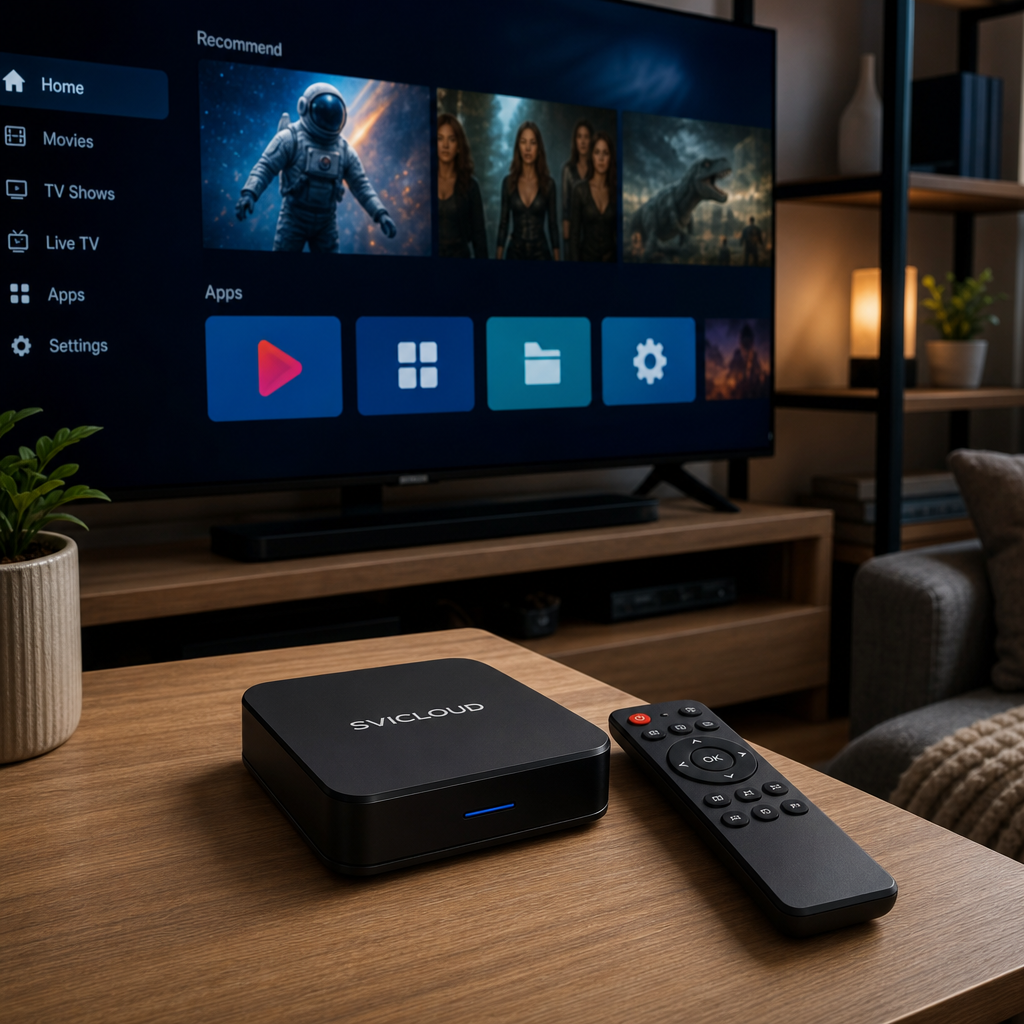
Small Cloud TV Box vs SuperBox Comparison: How to Look at Specs, Ease of Use, Customer Support and Warranty, and North American Buying Risks
If you’re looking for a “Small Cloud TV Box vs SuperBox comparison,” you’re probably not just trying to read a spec sheet. You also want to know: which one is easier to use, whether older family members can get started quickly, and whether it is easy to handle problems after buying in the U.S.
For Chinese households in California, New York, Texas, and other areas with larger Chinese communities, after-sales support, information transparency, and buying risk are often just as important as the hardware itself.
This article looks at the differences from a practical angle, focusing on:
- How to compare hardware specs
- Ease of use and senior-friendly scenarios
- How to assess customer service and warranty information
- Common risks when buying in North America
It will also clearly distinguish between verifiable information and the subjective impressions of regular users. That makes the comparison less likely to be influenced by one-sided opinions.
First conclusion: Which kind of person is more suited to the Small Cloud TV Box, and who is more likely to look at SuperBox?
If what matters to you is not just “can it be used,” but “will it be hassle-free after buying,” then you should not compare only brand names or a single spec number.
People who may want to prioritize researching the Small Cloud TV Box
If you care especially about the following points, the Small Cloud TV Box is often worth looking at first:
- Want a product with more complete Chinese-language information
- Hope to find U.S. purchasing and after-sales information
- Have older family members at home and need a lower learning curve
- Want to confirm the FAQ, contact methods, and model differences before deciding
- Hope to find a clear place to check when there are setup or update issues
For SVICLOUD, the official site provides U.S. information that you can review further:
People who may also include SuperBox in the comparison
SuperBox is often included in similar comparisons, but because public information can vary by model, generation, and sales channel, it is more suitable for:
- People willing to spend time checking model differences themselves
- People who have already used other TV boxes and know what they care about
- People who want to cross-check the interface, support methods, and policies
The point is not which brand is “definitely better,” but which one better fits your family’s usage scenario.
Before comparing, clarify: what is fact, and what is evaluation?
In a topic like “Small Cloud TV Box vs SuperBox comparison,” the most common problem is not too little information, but too many claims from too many sources. So it is most practical to divide the information into two categories first.
Verifiable information
Verifiable content is usually what you can see directly on official pages, such as:
- Whether model information is publicly listed
- Whether there is a feature comparison page
- Whether there is an FAQ or tutorial page
- Whether customer service contact details are listed
- Whether the after-sales or warranty process is explained
Using SVICLOUD as an example, the official pages can show:
- Model comparison: SVICLOUD 10P+, SVICLOUD 10S
- U.S. support pages
- FAQ and contact information
If you need to confirm customer service methods, the official public information includes:
- Phone: 702-398-3416
- Email: [email protected]
Subjective impressions and user reviews
Another category is subjective impressions, such as:
- Which interface looks nicer
- Which remote feels easier to press
- Which one feels easier for older family members to understand
- Which menu logic better matches personal habits
These points are not necessarily wrong, but they should not be presented as absolute facts. So a more cautious way to phrase them is:
- Generally speaking
- For most families
- It varies depending on usage habits
- The actual experience still depends on individual needs and network conditions
Key points in the Small Cloud TV Box vs SuperBox comparison: start with positioning, not a single number
Many people first want to compare CPU, RAM, and storage, but a TV box is a living room device, and the actual experience is often also affected by the interface, remote control, tutorial resources, and after-sales process.
Use a table to get the main points first
The table below does not list unverified competitor specs. Instead, it organizes what you should actually look at when comparing.
| Comparison area | What to check for the Small Cloud TV Box | What to check for SuperBox | Practical meaning |
|---|---|---|---|
| Processor | Whether the official site publishes CPU information | Whether the official site publishes CPU information | Affects responsiveness and multitasking |
| Memory | RAM capacity and system optimization | RAM capacity and system optimization | Affects switching smoothness |
| Storage | Usable space and room for updates | Usable space and room for updates | Affects future flexibility |
| Video output | Resolution and compatibility information | Resolution and compatibility information | Affects stability when connecting to a TV |
| Network connection | Wi‑Fi / wired support | Wi‑Fi / wired support | Affects streaming stability |
| Remote control | Button clarity and logic | Button clarity and logic | Affects daily use for older family members |
| System interface | Initial setup and menu depth | Initial setup and menu depth | Affects learning cost |
| Customer service and after-sales | FAQ, contact methods, warranty information | Based on the competitor’s official public information | Affects how efficiently issues are handled |
Hardware specs comparison: specs matter, but don’t separate them from real-world use
How to look at processor, memory, and storage
Specification numbers usually affect:
- Boot and switching speed
- Smoothness during multitasking
- Whether stability remains after updates
- Available space for future features or content
But note that bigger numbers do not necessarily mean better usability. If the system is only moderately optimized, the menu is complicated, or common functions are hard to find, the actual experience may still be unsatisfactory. On the other hand, some products may not have the most impressive specs, but if the system design is mature and the navigation is simple, daily use can feel smoother.
If you are comparing SVICLOUD’s own models, the most practical way is to look directly at the official plan comparison page.
Picture quality and output: don’t just look at the “highest supported” setting
When comparing picture quality, many people only focus on the highest resolution. But for most families, it is more important to consider:
- Whether it is stably compatible with your home TV
- Whether the output remains consistent during long use
- Whether switching content is smooth
- Whether the official site clearly lists support information
If the competitor’s official page does not clearly publish the specs, it is not recommended to guess on your own. For living room use, stable output is usually more important than the highest number on paper.
Network capability: beyond the box, your home environment also matters
Whether it is the Small Cloud TV Box or SuperBox, connection quality directly affects the experience. When comparing, pay attention to:
- Whether common Wi‑Fi standards are supported
- Whether wired networking is supported
- Whether the router and TV placement are suitable
- Whether multiple devices online at the same time may cause interference
Actual performance is also usually affected by the following factors:
- Your home internet plan
- Router quality
- Wall obstruction
- Number of devices using the network at the same time
- Wi‑Fi interference common in apartment buildings
So if you care a lot about stability, wired connection capability and placement are often more useful than theoretical speed.
The remote control is actually key for family use
This point is often overlooked, but it directly affects daily use. When comparing, you can look at:
- Whether the commonly used buttons are clear
- Whether the buttons are easy to press by mistake
- Whether the font and icons are easy to read
- Whether it is easy to remember the usual operation path
- Whether older family members can quickly return to the home page or commonly used functions
If older family members often press the wrong button, unclear remote design can cause frustration even before spec differences become noticeable.
Ease of use comparison: which is better for families that do not want to study settings?
If the product is for yourself, you may be willing to explore slowly. But if it is for parents, older relatives, or family members who are not familiar with tech products, ease of use becomes a core comparison point.
Is the initial setup process clear?
What most often gets stuck the first time is not a hardware failure, but “I don’t know what to do next.” So it is worth checking:
- Whether there is guidance after powering on
- Whether language switching is easy to find
- Whether network setup is intuitive
- Whether many manual adjustments are needed
- Whether a beginner can complete the basic setup in a short time
For most families, fewer steps mean lower learning cost.
Is the interface suitable for older family members?
The most practical way to judge whether a TV box is suitable for older family members is not by promotional wording, but by looking at:
- Whether the text is clear enough
- Whether the icons are easy to recognize
- Whether the menu is too deep
- Whether common functions can be found quickly
- Whether it is easy to return to a familiar screen after pressing the wrong button
If family members do not usually study settings, a simple interface is often more important than having many functions.
What are the common sticking points?
No matter the brand, the most common family-use problems are usually similar:
- Cannot find the settings page
- Unfamiliar with network connection
- Don’t know how to update
- Not sure how to restart
- Don’t know how to recover after pressing the wrong remote button
So when comparing, in addition to the product itself, also check whether the brand has:
- Clear explanation pages
- A centralized customer service entry
- FAQ or tutorial articles
- A traceable after-sales process
If you want to learn about this first, you can refer to SVICLOUD FAQ.
Customer service and warranty comparison: what North American buyers should pay more attention to
For North American users, customer service and warranty are not optional; they are very practical decision factors. Especially in California, New York, Texas, and similar areas, what many families really worry about is: what happens if there is a problem.
Is the customer service information clear, centralized, and easy to find?
When comparing customer service, do not just look at whether contact details exist. Also check:
- Whether the official site makes the contact entry easy to find
- Whether there is an FAQ for self-service checking first
- Whether there is an official contact method such as email or phone
- Whether users know who to contact when a problem occurs
According to the official public information, SVICLOUD’s U.S. site lists the following contact methods:
- Phone: 702-398-3416
- Email: [email protected]
You can also visit the customer service and after-sales support page.
When comparing warranties, the key is not hearsay, but what the official site says
The most important thing about warranty is not online rumors, but whether the policy is public and the process is clear. When comparing, it is recommended to check:
- Whether the warranty conditions are clearly explained
- Whether the handling steps are listed
- Whether purchase source or regional restrictions are mentioned
- Whether there are steps for after-sales issue exclusion
For SVICLOUD-related products, the official public statement indicates: one-year U.S. warranty. The actual applicable conditions should still be based on the official page information before ordering.
The practical value of after-sales service is reflected in “fewer detours”
Many people only ask “is there customer service?” before buying, but more important is:
- Can you find the entry when there is a problem?
- Do you know what to do next?
- Can you first use the FAQ to rule out common issues?
- Can you organize the problem in a language you are comfortable with?
For family users, the real value of after-sales service is: when the device has an issue, can you spend less time figuring it out.
Family senior-use scenarios: which choice is less troublesome?
Many comparison articles spend a lot of time on hardware, but what often influences family decisions most is whether the least tech-savvy family member can use it too.
Older family members usually want fewer steps, not more features
For older family members, the ideal situation is usually:
- A familiar screen after powering on
- No need to remember too much English
- Fixed locations for common functions
- Easy to return to the home page after a wrong press
- No frequent reconfiguration needed
So in a “Small Cloud TV Box vs SuperBox comparison,” what many families ultimately care about is not who has a few more spec numbers, but which one makes it easier for the family to keep using it.
When choosing for older family members, ask yourself these questions first
- Are older family members used to a Chinese-language interface?
- Do they need remote teaching from you?
- If they cannot understand the settings page, is there support they can check?
- Are the remote buttons clear enough?
- If the network needs to be set up again in the future, is the process easy?
If you care about two or three of these items in particular, then customer service, FAQ, and clarity of operation should be major criteria in your purchase decision.
North American buying risk comparison: what should buyers in California, New York, and Texas pay special attention to?
The same TV box can feel very different when bought in North America compared with other regions. The issue may not be the product itself, but information, support, and the buying channel.
Risk 1: Information sources are too scattered
Common situations include:
- There is a purchase page, but no clear after-sales page
- There is a social media contact, but no official FAQ
- There is a brand name, but no complete warranty explanation
- After a problem occurs, it is not clear who to contact
For busy families, this adds a lot of hidden costs.
Risk 2: Cross-language or cross-time-zone communication is inconvenient
Many North American buyers run into:
- Not knowing whether Chinese communication is available
- Contact methods that are not fixed
- A lot of back-and-forth when describing the issue
- Older family members unable to handle the issue themselves
This is also why many people include whether there is a U.S. site and whether there is an official support page in their purchase considerations.
Risk 3: Return/exchange and warranty terms are unclear
What is often most troublesome is not the device malfunction itself, but:
- Not knowing whether the purchase source is appropriate
- Not being sure whether after-sales support has regional restrictions
- Lack of an official explanation page
- Only realizing the information is unavailable after the problem happens
Therefore, for North American buyers, a more cautious approach is: first check the official website, FAQ, customer service page, and model comparison page. Do not rely only on scattered community information.
How to make a more practical choice? Decide based on your family’s needs
By this point, you may have found that a “Small Cloud TV Box vs SuperBox comparison” is not suitable for a one-sentence conclusion. The more practical way is to break the needs down.
If you fit the following situation, you can prioritize researching the Small Cloud TV Box
- Want to clearly see official model differences first
- Care about Chinese-language information and tutorial resources
- Have older family members at home and want to reduce the learning curve
- Want to confirm the customer service entry and warranty information
- Hope to have more complete public information to check when buying in the U.S.
If you fit the following situation, it is recommended to do more research on both sides
- You have already used multiple TV boxes
- You are willing to study model differences yourself
- You have a very clear preference for interface logic
- You will actively compare specs, support pages, and policy details
The key is not which brand has the louder online presence, but which brand’s public information, operation method, and after-sales arrangement better fit your family’s usage habits.
Recommended order of review: compare the models first, then look at customer service and after-sales information
If you are already leaning toward the Small Cloud TV Box, it is recommended to check in this order:
1. SVICLOUD Plan Comparison First look at the positioning differences between SVICLOUD 10P+ and SVICLOUD 10S.
2. SVICLOUD U.S. Official Site Confirm the current public information and U.S. site content.
3. SVICLOUD FAQ Learn about installation, setup, and common troubleshooting methods first.
4. SVICLOUD Customer Service and After-Sales Support If you need to ask further questions, you can view the official contact methods.
- Phone: 702-398-3416
- Email: [email protected]
Final summary
In the topic of “Small Cloud TV Box vs SuperBox comparison,” what is truly worth paying attention to is not just which one has more eye-catching specs, but:
- Whether it is easy to get started
- Whether older family members can use it on their own
- Whether customer service and the FAQ are clear
- Whether it is easy to handle problems after buying in North America
If your priorities are hassle-free use, easy operation, suitability for family sharing, and a wish to first see more complete U.S. site information and after-sales entry points, then the Small Cloud TV Box is a direction worth researching first. As for SuperBox, it is best to use the competitor’s officially published model and policy information as the basis, and then make a further cross-comparison.