
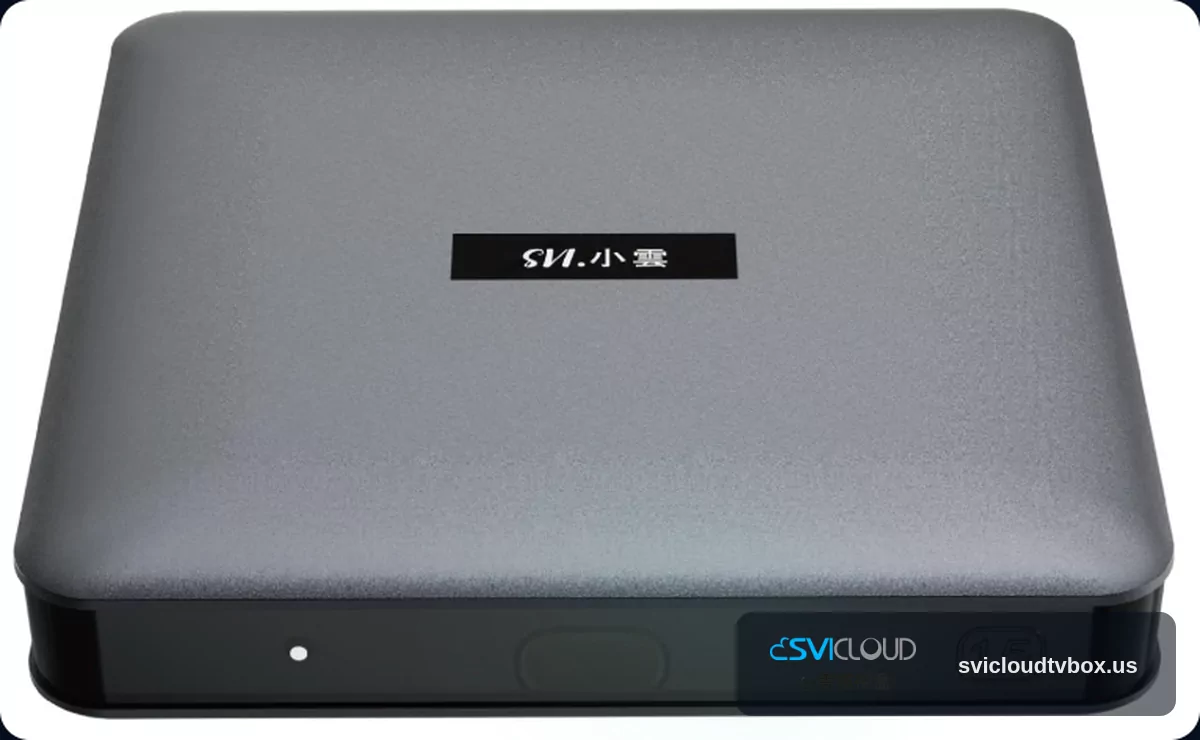
SVICLOUD 15P One-Year U.S. Warranty and Customer Support Preparation Checklist
If you have already purchased SVICLOUD 15P, or are preparing to contact after-sales support, organizing your information first usually makes communication much more efficient. This article focuses on the SVICLOUD 15P one-year U.S. warranty, purchase proof, model confirmation, problem description, and the information recommended before contacting customer support, helping U.S. users complete follow-up handling more smoothly.
You can first refer to the official information here:
If you need to contact official customer support directly, you can use the following contact methods:
- Phone: 702-398-3416
- Email: [email protected]
How should the one-year U.S. warranty for SVICLOUD 15P be understood?
According to the official product page and this site’s content guidelines, SVICLOUD 15P is covered by a one-year U.S. warranty. This means that, provided the official conditions and process are met, the product can enter the after-sales evaluation and handling procedure.
Please note that the one-year U.S. warranty does not mean all situations will automatically be handled under warranty. Whether it applies in practice, what additional information is needed, and how follow-up arrangements will be made should still be based on the official customer service reply and actual assessment.
Therefore, instead of simply saying “the device is broken” or “it no longer works,” it is more practical to organize the following first:
- Purchase proof
- Complete model name
- Time the problem occurred
- Actual abnormal behavior
- Basic troubleshooting steps already tried
- A contact method that can receive replies
What should you prepare before contacting customer support?
1. Purchase proof
Purchase proof is usually an important basis for customer service to verify the source and time of purchase. It is recommended to prepare:
- Order number
- Invoice or receipt
- Purchase confirmation email
- Payment completion notice
- Screenshot of the official order page
If you placed the order through the official website, it is recommended to keep the original email and screenshots of the order page, rather than relying on notifications from only one platform.
If you cannot find a complete invoice at the moment, you can also organize the information you still have, such as:
- Recipient name
- Approximate purchase date
- Order name
- Payment email
- Shipping confirmation email
2. Complete model name
When contacting support, please clearly state: SVICLOUD 15P.
Do not write only “Xiaoyun box” or “TV Box,” because customer service needs to first confirm which model you are using. You can confirm the model from the following locations:
- Outer packaging
- Label on the bottom of the device
- Order details
- Purchase confirmation email
- Official product page records
If you also have other models at home, such as SVICLOUD 10P+ or SVICLOUD 10S, be especially careful not to mix up model names.
3. Problem description
What customer service needs is a describable symptom, not a vague conclusion. It is recommended to clearly write at least:
- When it started happening
- Whether it happens every time or only occasionally
- How long the problem lasts
- Whether it appears during a specific operation
- Whether there is an error message or on-screen prompt
Compared with “it can’t be watched,” the following descriptions are usually more helpful:
- After powering on, it stays on a black screen and does not enter the home screen
- Playback stops after a period of time
- The remote does not respond, but the main unit still shows power
- It is connected to the internet, but interruptions still occur during use
- The problem still exists after restarting
The general principle is: only describe what you actually see, and do not jump to technical conclusions for customer service.
4. Basic troubleshooting steps already tried
If you have already performed basic troubleshooting, please let customer service know as well, as this can reduce repeated tests. Common steps to note include:
- Restarting the device
- Reconnecting the HDMI cable
- Switching to another HDMI port on the TV
- Reconnecting Wi‑Fi
- Switching to RJ45 wired internet
- Changing the power outlet
- Re-pairing the Bluetooth voice remote
Example wording:
> I have tried restarting the device, using another HDMI port, and reconnecting the network, but the problem still exists.
5. Current connection method
Many problems are related to usage scenarios, so when contacting support you can also include:
- Which HDMI port it is connected to
- Whether you are currently using Wi‑Fi or RJ45 wired internet
- Whether a Bluetooth voice remote is being used
- In what situation the problem occurs
This information helps customer service distinguish whether the issue is related to display, network, remote control, or other usage scenarios.
6. Correct contact information
Before submitting a support request, please confirm the following information is correct:
- An email address that can receive messages normally
- Name
- Phone number
- Mailing address (if needed in the follow-up process)
- Whether the order name matches the contact person
If you submit information through the U.S. customer service and after-sales support page, it is recommended to check again before sending to avoid email spelling errors.
SVICLOUD 15P information you can provide together
If the issue is related to connectivity, picture, remote control, or playback scenarios, you can supplement the confirmed information about SVICLOUD 15P when contacting support. The following content is based on officially available data and approved specifications:
- Amlogic S905Y5 quad-core ARM Cortex-A55
- 4 GB DDR3 RAM
- 64 GB eMMC storage
- dual-band Wi‑Fi 6
- Bluetooth 5.4
- HDMI 2.1
- RJ45 wired Ethernet
- Bluetooth voice remote
- 4K HDR
- AV1 hardware decoding
- Android 14
If you need to confirm again, you can directly view the SVICLOUD 15P official product page.
Why is this information useful?
These details are not meant to help you determine the fault yourself, but to help customer service understand the usage scenario more quickly. For example:
- Connection issue: you can explain whether you are currently using dual-band Wi‑Fi 6 or RJ45 wired Ethernet
- Display issue: you can explain that it occurs when connected to a display device via HDMI 2.1
- Remote issue: you can note that you are currently using the Bluetooth voice remote
- Playback-related issue: you can add in what operation scenario it appears
The principle is simple: only provide confirmed information, and do not add unverified specifications or guesses.
How can you write more clearly when contacting customer support?
The simplest way is to use this order:
1. When it started 2. What symptom appeared 3. What tests have already been done 4. Whether it is still happening now
Example directions
It started yesterday, and after powering on the device it stays on a black screen. I have restarted it and switched HDMI ports, but it still has not recovered.
- Power-on issue
It started about a week ago, and the connection occasionally drops when using Wi‑Fi. I switched to RJ45 and am still observing it.
- Connection issue
The remote stopped responding today. I have re-paired the Bluetooth voice remote, but it still cannot be used properly.
- Remote issue
Wording to avoid as much as possible
The following kinds of wording usually increase the time customer service spends asking follow-up questions:
- Only writing “it’s broken”
- Only writing “it can’t be watched”
- Sending many unrelated issues at once
- Including unverified fault assumptions
- Mostly emotional content, with little objective information
What does customer service usually confirm first?
Before proceeding further, customer service will usually first confirm the following points.
Whether it is the same device
Please confirm that the information you provide all corresponds to the same SVICLOUD 15P:
- Box model
- Device label
- Order model
- Contact information
Whether the problem can be reproduced
Customer service will often want to know:
- Whether it happens every time or only occasionally
- Whether it appears only during specific operations
- Whether it appears only in a specific network environment
- Whether it appears only on a specific display device
Even if it does not happen every time, you can still describe the frequency simply, for example:
- It happens about 2 times a day
- It appears only when powering on
- It is more likely to happen after using it for a period of time
Whether basic troubleshooting has been completed
Before contacting support officially, it is recommended to first perform basic checks that do not involve opening the device, such as:
- Restarting
- Reconnecting cables
- Changing the power outlet
- Testing a different HDMI port
- Reconnecting the network
- Re-pairing the remote
Whether attachments are ready
If it is convenient to organize, you can also prepare:
- A photo of the device label on the bottom
- A photo of the outer box model
- A screenshot of the problem screen
- The content of any error message
- A short video recording
Whether uploads are needed still depends on the customer service request.
Quick checklist for preparation before contacting customer service
| Item | Suggested content | Purpose |
|---|---|---|
| Purchase proof | Order number, invoice, confirmation email | Helps verify purchase and time |
| Product model | SVICLOUD 15P | Avoids model confusion |
| Problem description | Time, symptom, frequency | Helps customer service interpret it |
| Troubleshooting done | Restart, cable swap, reconnect network | Avoids repeated tests |
| Connection method | HDMI, Wi‑Fi, RJ45, remote usage | Helps understand the scenario |
| Contact information | Email, phone, name | Convenient for replies |
| Supplementary attachments | Photos, screenshots, short video | Helps confirm the issue |
Do not expand the warranty scope; it is more important to explain the information clearly first
When a device develops an abnormality, many people care most about “whether it will definitely be covered by warranty.” But in practice, customer service usually first looks at:
- Whether there is purchase proof
- Whether the model is clear
- Whether the problem description is complete
- Whether basic troubleshooting has been completed
- Whether the official process has been followed
Therefore, instead of assuming right away that it will definitely be replaced or definitely cannot be repaired, preparing the information completely first usually helps with later assessment and communication.
Copyable customer service message template
You can directly organize it in the following format before sending:
> Hello, the product model I purchased is SVICLOUD 15P. > The purchase date was approximately ____ , and the order number is ____ . > The issue started on ____ , and the specific symptom is ____ . > The current frequency is ____ . > I have tried ____ , ____ , and ____ , but the problem still continues. > The device is currently connected via ____ . > My contact email is ____ , and my phone number is ____ . > If you need additional photos, screenshots, or other information, I can provide them. Thank you.
What should you do next?
If you are organizing after-sales support needs, you can proceed in the following order:
1. First check the SVICLOUD 15P official product page 2. Organize purchase proof, model, and problem description 3. Submit your request through the U.S. customer service and after-sales support page 4. Or contact official customer service directly: 702-398-3416 / [email protected] 5. If you want to review common information first, you can refer to the SVICLOUD FAQ
Preparing the information first and then contacting customer service is usually the first step to making the SVICLOUD 15P one-year U.S. warranty and customer support process smoother.